
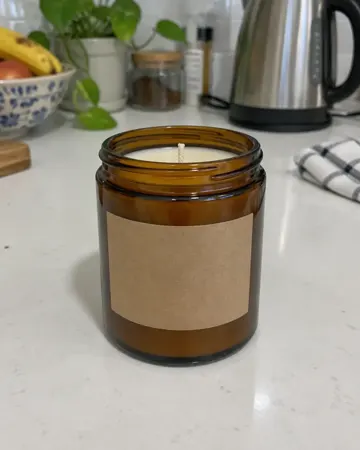
Same jar.Lit.
Soy candle · Cozy
Loopshot / Shopify product videos from one photo
FOR SHOPIFY STORES
Shopify lets you add videos to a product's media, next to your images. A short loop at the top of the gallery shows the product in use and in context. Send one photo; we send back clips sized for your product page, your ads and your socials.
Every clip comes in three formats, so the same 5 seconds work wherever your store shows up.
The small print is the phone photo we got. The video is what we sent back. Demo products, made to show the process.
Same jar.Lit.
Soy candle · Cozy
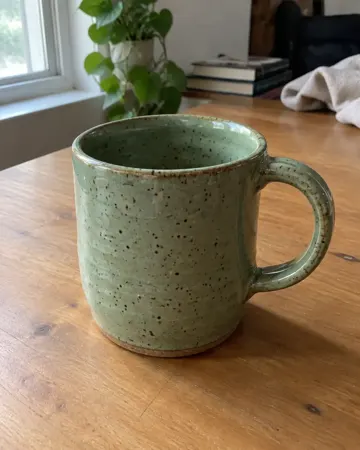
Mug.Morning.
Ceramic mug · Morning
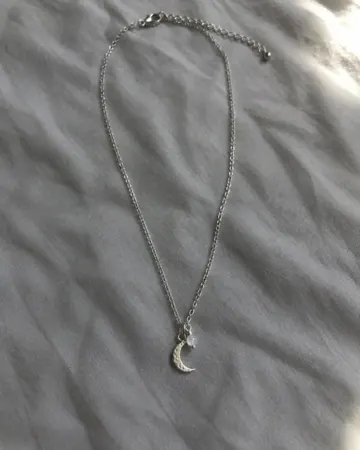
Moon.Velvet.
Moon necklace · Luxury
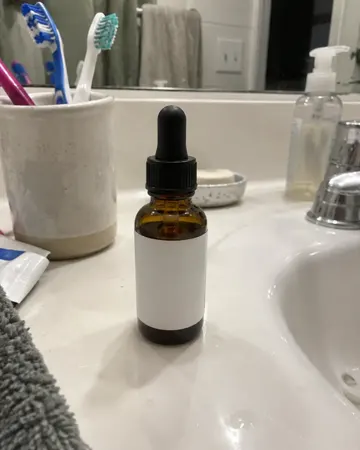
Drop.Ripple.
Face serum · Spa
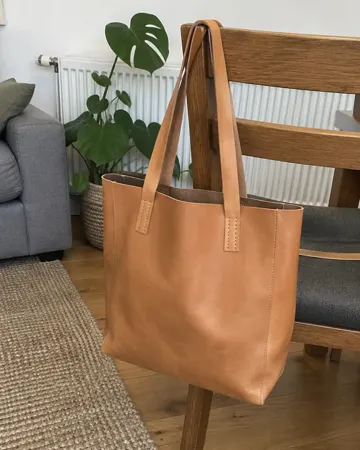
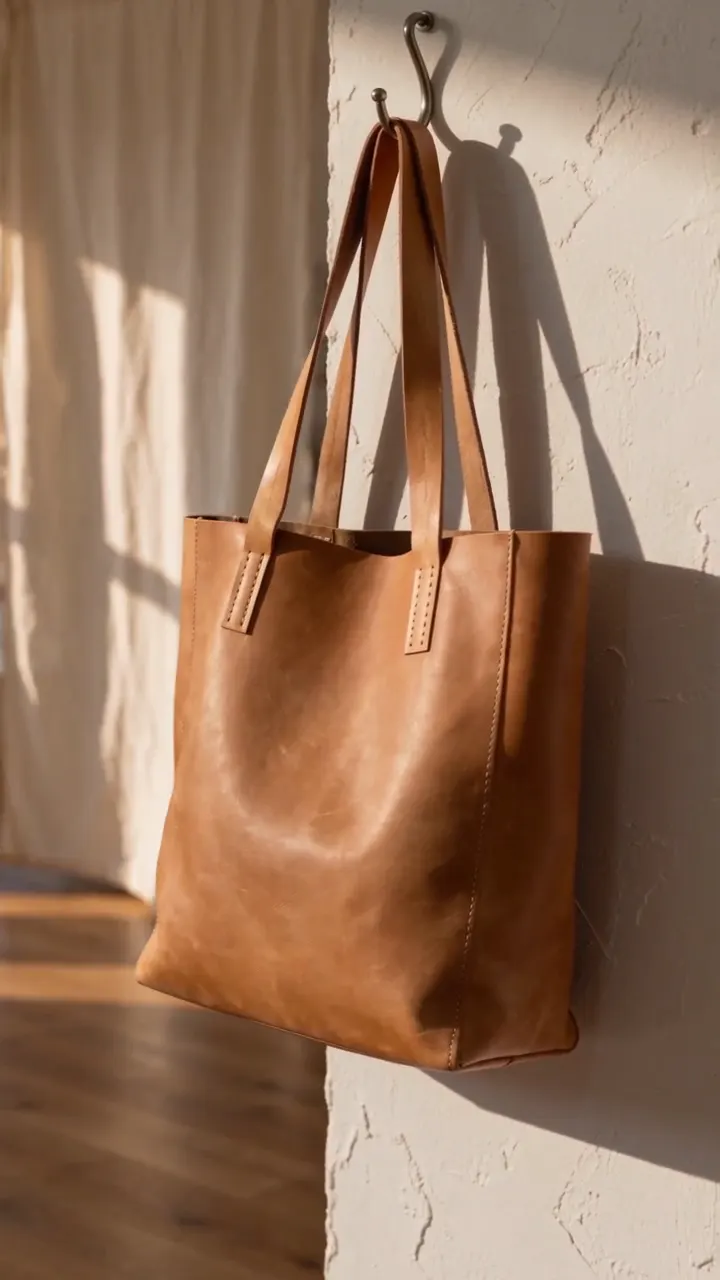
Tote.Soft light.
Leather bag · Lifestyle
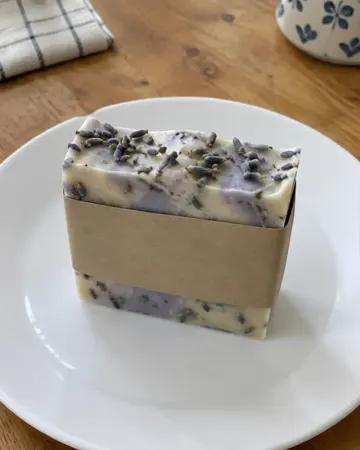
Soap.Then a bath.
Lavender soap · Bath
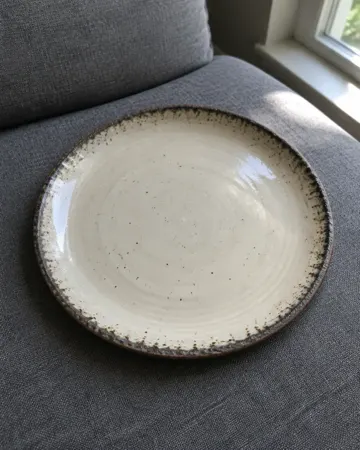
Empty plate.Then lunch.
Ceramic plate · In use
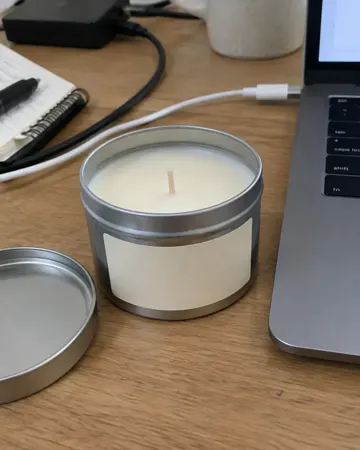
Tin.Windowsill.
Candle tin · Window light
Check Shopify's current media guidelines for supported file types and sizes before uploading.
A product shoot means renting space, lights, a camera and someone who can edit. For a store with dozens of products, that cost repeats every time you launch something new. Loopshot starts from the photo you already have. Start with a free clip; paid plans open soon, in USD, taxes added at checkout.
TRY IT
$9
once · 1 product
3 clips and 12 photos of one product. One free redo.
STARTER
$29/mo
up to 5 products a month
10 clips and 40 photos, one free redo per clip. Founding price for the first 50 shops, then $39.
GROWTH
$59/mo
unlimited products
25 clips and 100 photos, 24 hour delivery. Founding price, then $79.
Yes. You own the clips and can use them in your store, ads, marketplaces and social media.
They are short MP4 loops, kept small. Shopify hosts product media for you.
Up to 5 products a month on Starter and unlimited products on Growth.
Yes, generated with AI from your photo. If a clip is off, we regenerate it free.
Clips are delivered in 48 hours, or 24 hours on the Growth plan.